Site Lockdown Security is free on WordPress.org

Known filename cleanup
What it means: Search for a file when a host, scanner, or technician already identified a suspicious name.
How to use it: Use this to locate copies across folders without manually browsing the file tree.
File Remover gives support teams a focused way to find known filenames, suspicious extensions, or unwanted cleanup targets across a WordPress installation. It is built for deliberate review before deletion, not blind mass cleanup.
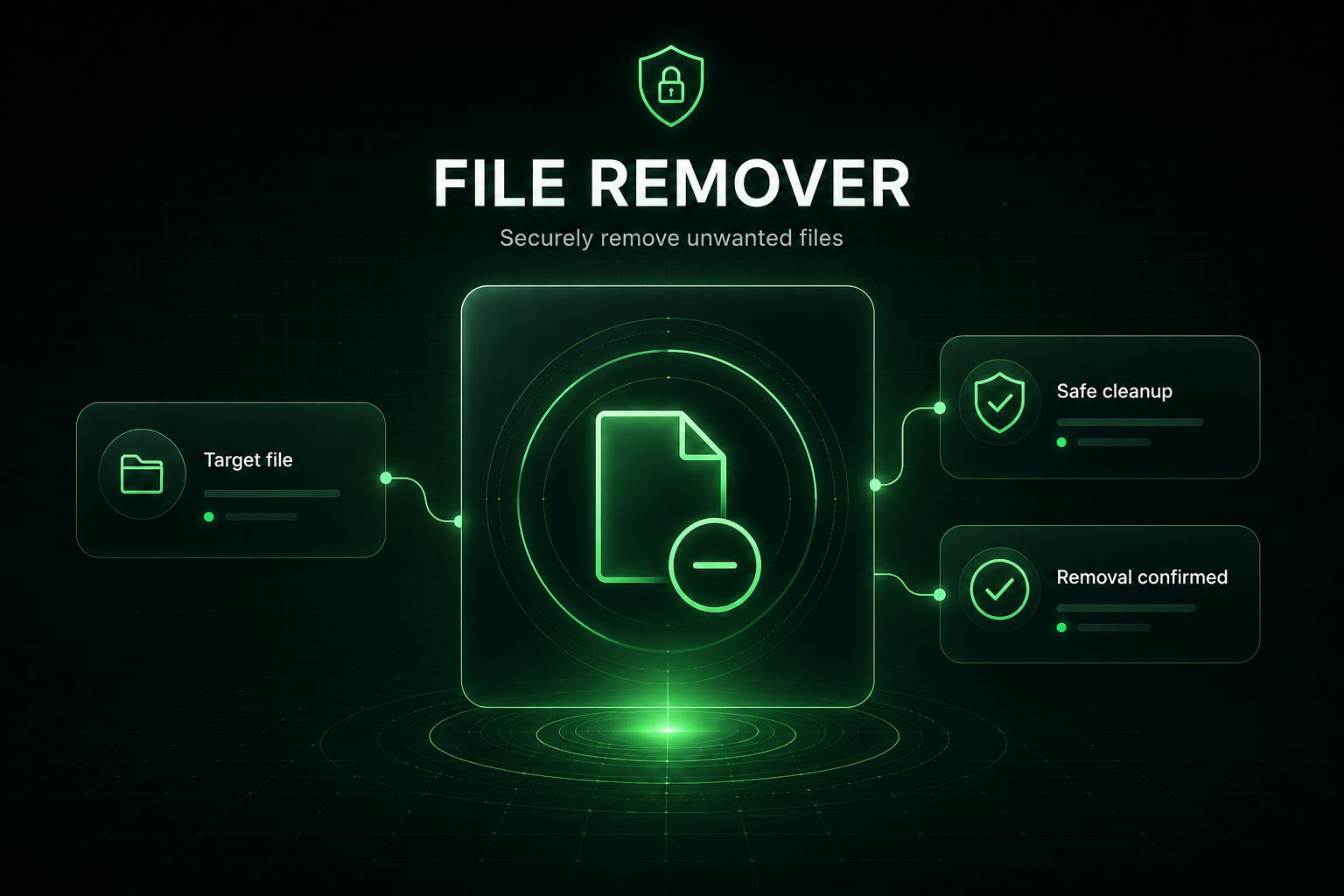
File Remover is useful when you already know what pattern, extension, or filename needs investigation. It helps locate targets quickly, then keeps the technician in control before anything is removed.
What it means: Search for a file when a host, scanner, or technician already identified a suspicious name.
How to use it: Use this to locate copies across folders without manually browsing the file tree.
What it means: Find files by extension when investigating file types that do not belong in certain folders.
How to use it: Review context carefully before removal because extensions alone do not prove malicious intent.
What it means: File Remover is strongest when the technician confirms what the file is before cleanup.
How to use it: Open surrounding context, compare location, and avoid removing legitimate site files.
What it means: Cleanup should be verified with scanners, auditors, and file change reports.
How to use it: Use follow-up checks to confirm the unwanted files are gone and did not return.
Important: Mass-removing by extension can be risky. Confirm search results before deleting files.
Install Site Lockdown Security and get Premium WordPress protection at no cost.