Site Lockdown Security is free on WordPress.org
Domain reputation
What it means: Review whether reputation sources are flagging the domain.
How to use it: Use this when clients report browser warnings, blocked traffic, or search visibility problems.
Blacklist Check reviews domain and reputation signals that matter when a browser, search engine, host, or client reports warnings. It gives support teams a clear place to confirm reputation status and document follow-up steps.
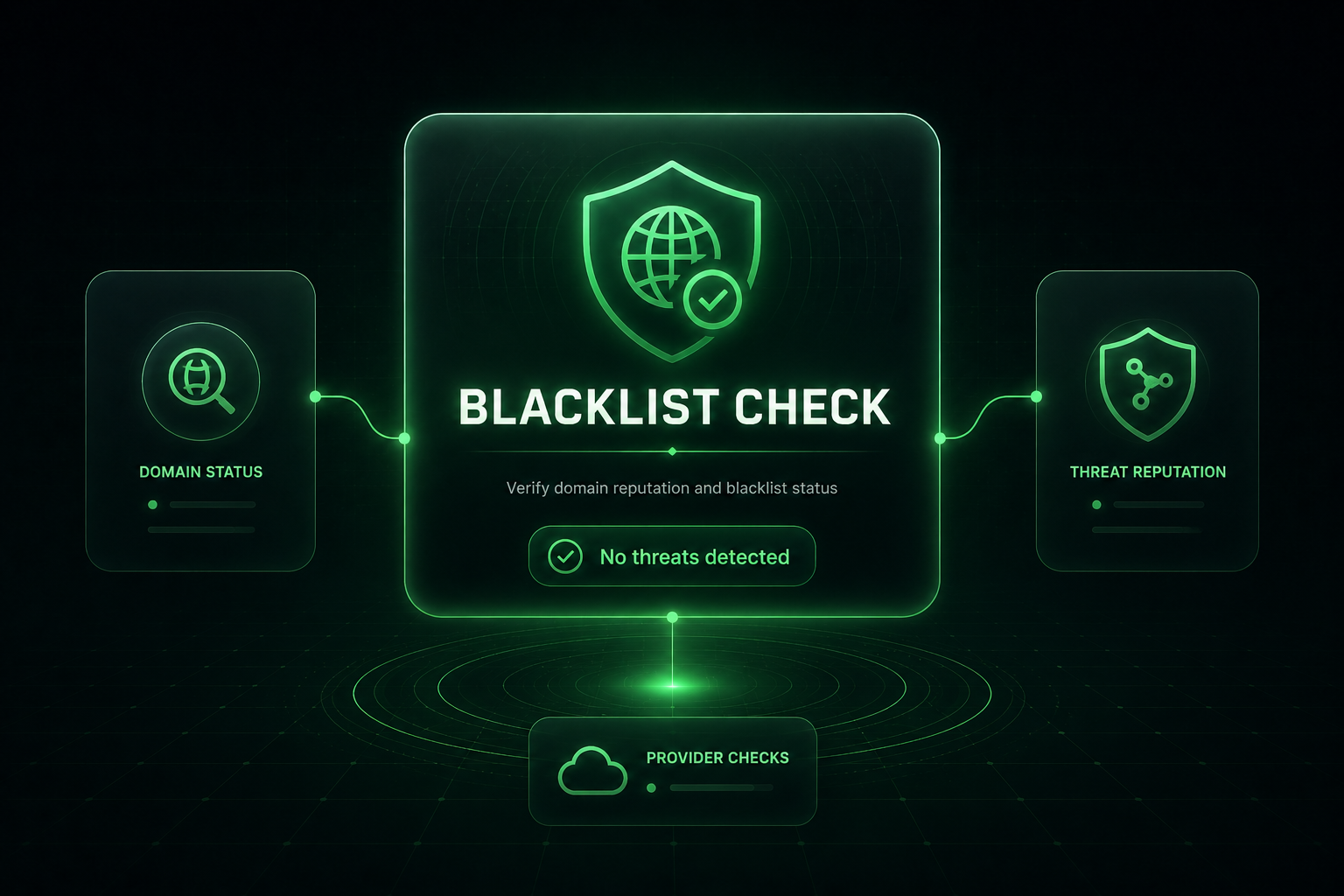
Reputation systems can affect trust even after a site has been cleaned. Blacklist Check helps gather the domain and provider status details technicians need for support tickets, client notes, and delisting follow-up.
What it means: Review whether reputation sources are flagging the domain.
How to use it: Use this when clients report browser warnings, blocked traffic, or search visibility problems.
What it means: Different reputation providers may update at different speeds.
How to use it: Use provider results to decide where follow-up or manual review requests may be needed.
What it means: Blacklist results are useful in cleanup notes and host escalations.
How to use it: Save findings before and after cleanup so the support story is clear.
What it means: A clean site can still show warnings while reputation systems catch up.
How to use it: Retest later and document any remaining warnings that require manual submission.
Important: Reputation systems can lag after cleanup. A clean site may still need time or a manual review request.
Install Site Lockdown Security and get Premium WordPress protection at no cost.