Site Lockdown Security is free on WordPress.org

Specific path checks
What it means: Test one known file or path when you already know what should be reviewed.
How to use it: Use this for suspected backup names, copied configuration files, or client-reported URLs.
File Exposure checks whether sensitive files, backups, logs, database exports, configuration leftovers, or metadata paths are publicly reachable from the website URL. It helps technicians find exposure before visitors, bots, or attackers do.
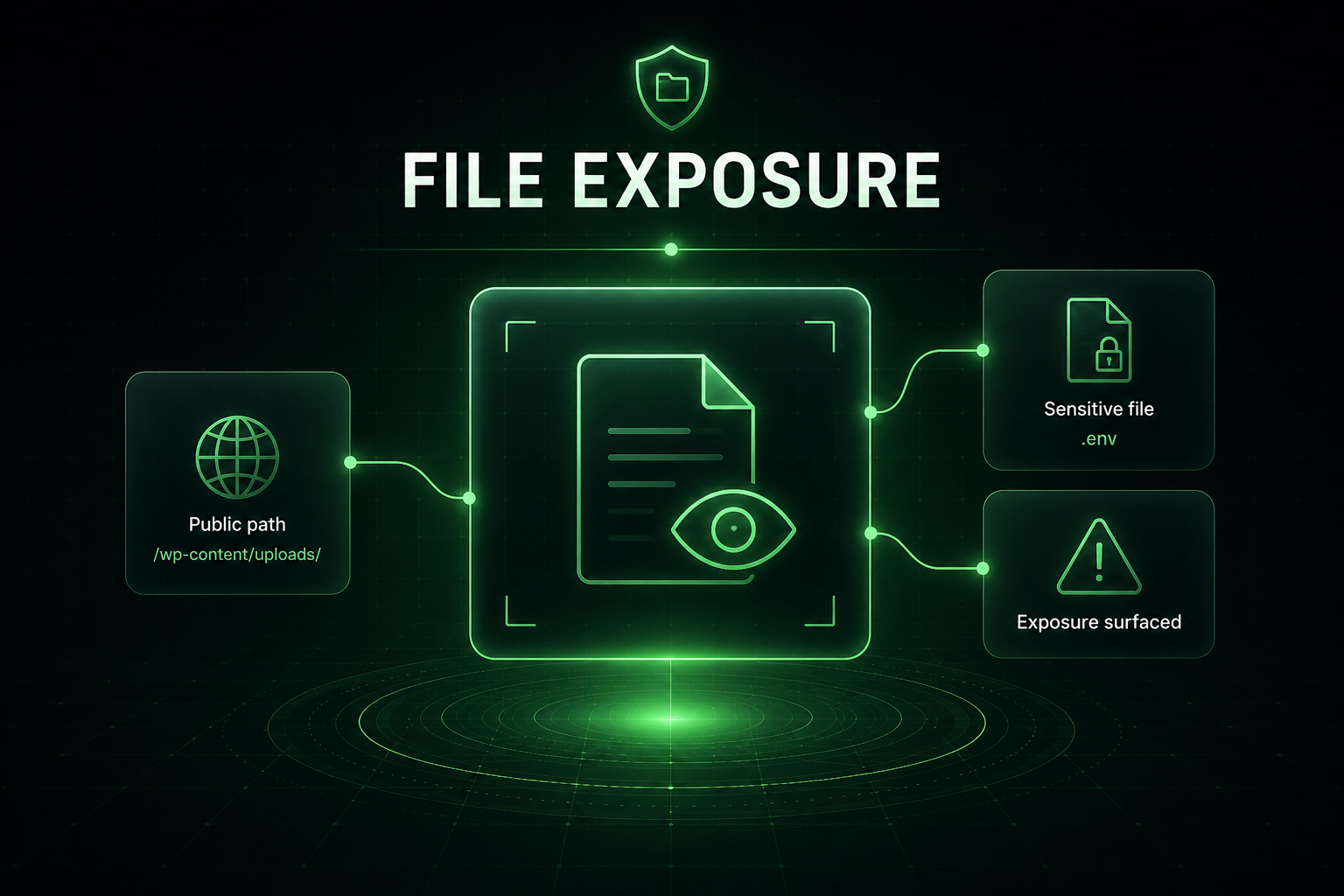
A file can be harmless on the server and dangerous when it is reachable from the public web. File Exposure focuses on public URL access so support teams can confirm what is blocked, what is reachable, and what needs immediate action.
What it means: Test one known file or path when you already know what should be reviewed.
How to use it: Use this for suspected backup names, copied configuration files, or client-reported URLs.
What it means: Run a focused list of common sensitive paths in one pass.
How to use it: Use this before handoff, after migrations, and after cleanup to confirm nothing obvious is reachable.
What it means: Separate server-blocked paths from files that can actually be downloaded publicly.
How to use it: Treat reachable sensitive files as cleanup or hosting configuration priorities.
What it means: Exposure should be confirmed again after files are removed or access rules are fixed.
How to use it: Use the retest to prove the public web can no longer reach the sensitive path.
Important: A blocked result is good. A reachable sensitive file should be removed, moved, or blocked immediately.
Install Site Lockdown Security and get Premium WordPress protection at no cost.